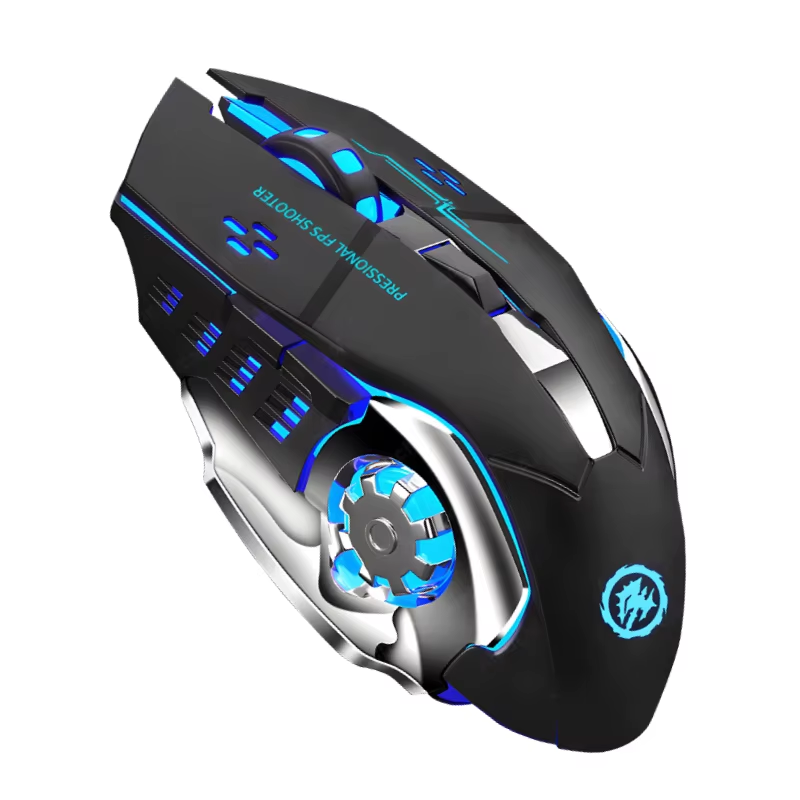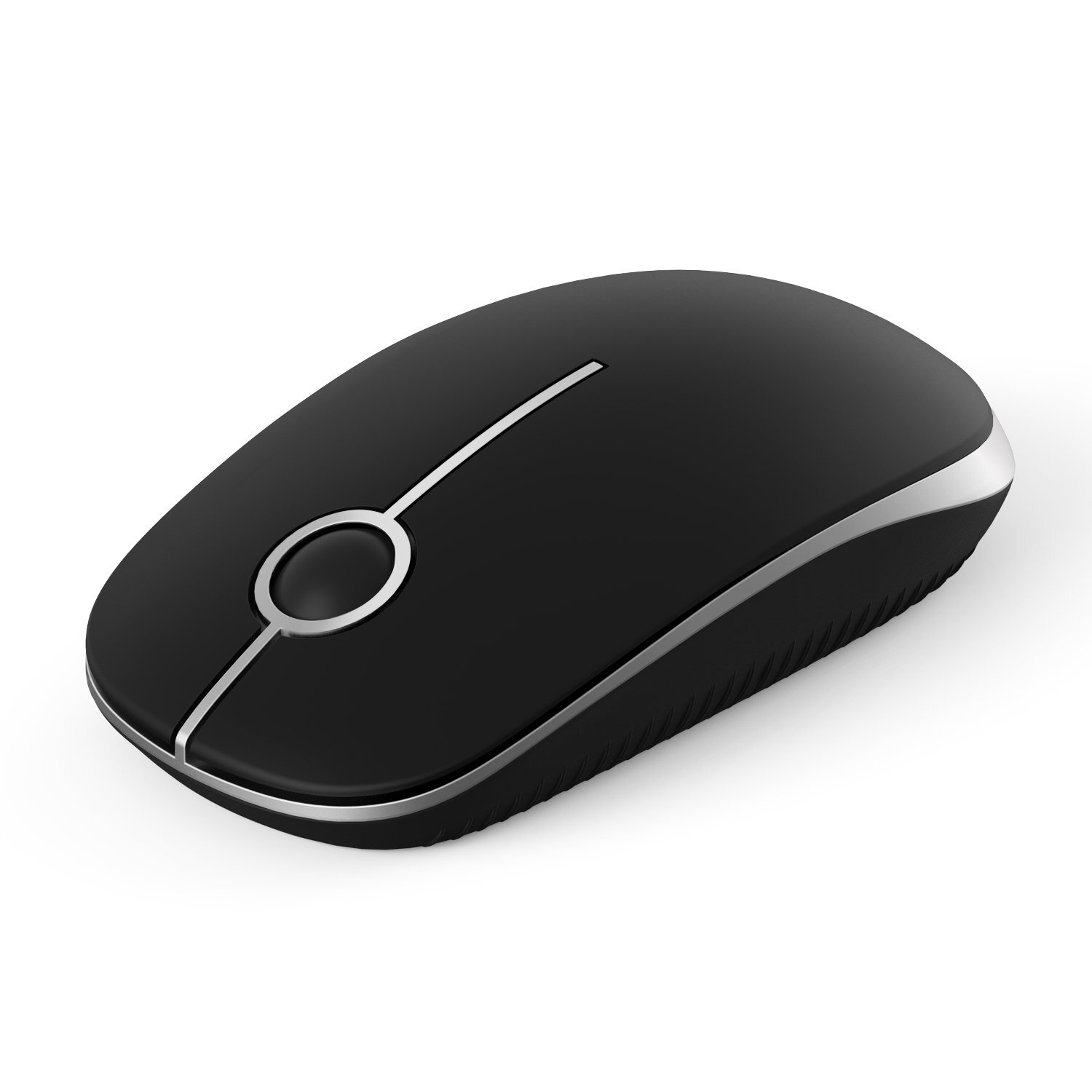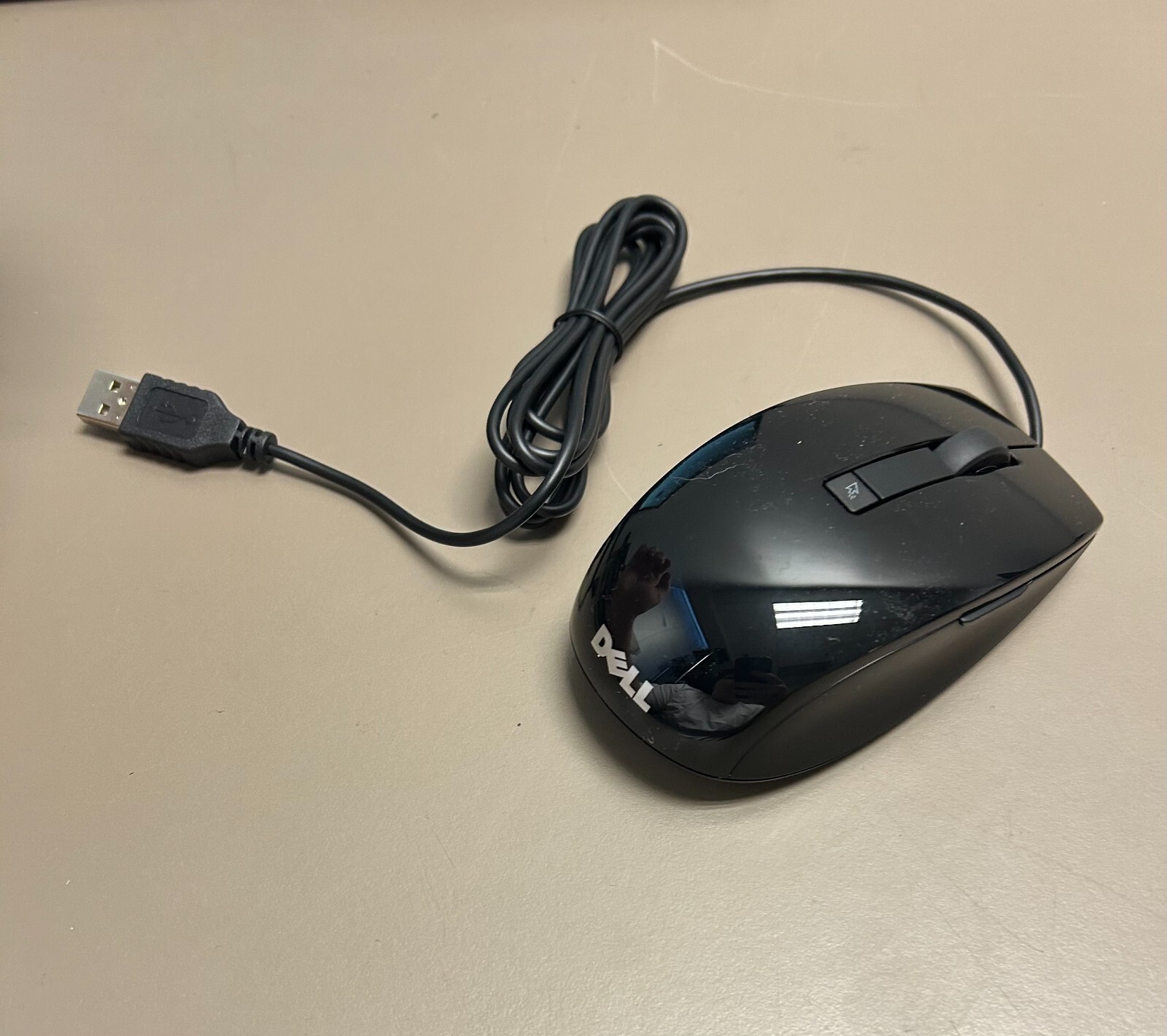


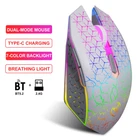
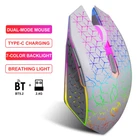
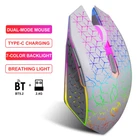
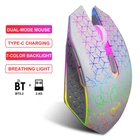
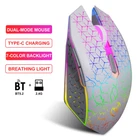
6D 1600 DPI RGB Wireless Gaming Mouse with Mute Button and Rechargeable Backlight
$ 8.98
Description
Product parameters : Model: T34 dual-mode rechargeable wireless mouse Connection modes: 2.4G + BT5.2 IC model: PAW 3065 Sensors Rate of return: 125HZ Movement speed: 28IPS Refresh rate: 3000FPS Acceleration: 10G Number of buttons: 6 buttons Lighting: Seven-color luminescence (default 1 minute) Number of button presses: 5 million times (silent switch) DPI: Adjustable in three gears of 800-1200-1600 (default 1200dpi) Battery capacity: 500mAh Charging indicator light: green, and the indicator light goes out after fully charged. Product weight: 89g Productsize:13.2*7.4*4cm Packaging weight: 120g Packaging size: 13.5*8.7*4.7cm Packing list: 1*T34 dual-mode wireless mouse 1*user manual System Support: Windows 98/Me/2000/XP/Vista/Win 7/Win8/Win10/Win11 or Linux and the latest...... How to use: 2.4G mode: 1. Unplug the USB receiver and insert the USB receiver into the USB port of the computer. 2. Switch the mode switch of the mouse to 2.4G mode. 3. At this time, the mouse can be used in 2.4G mode. BT5.2 mode: 1. Switch the mode switch of the mouse to BT5.2 mode. 2. The red light will flash rapidly, and your computer will be able to search for the Bluetooth name "BT5.2 Mouse". 3. After connecting via Bluetooth, the mouse can be used normally. Note: If the mouse moves slowly or has a delay, please charge it in time using the computer's USB port. Do not use the fast charging of mobile phones. Otherwise, the charging current may be too large and cause damage to the mouse.