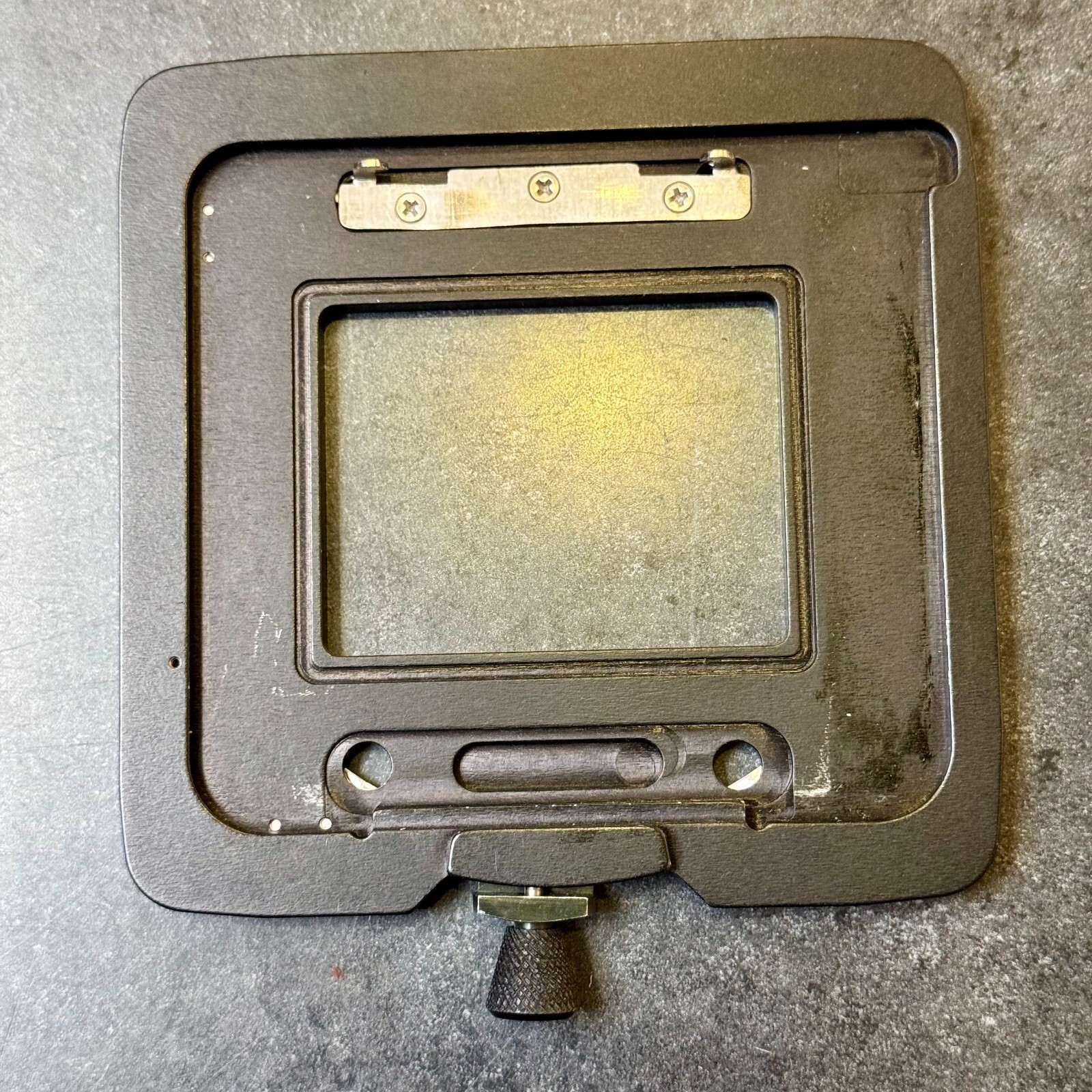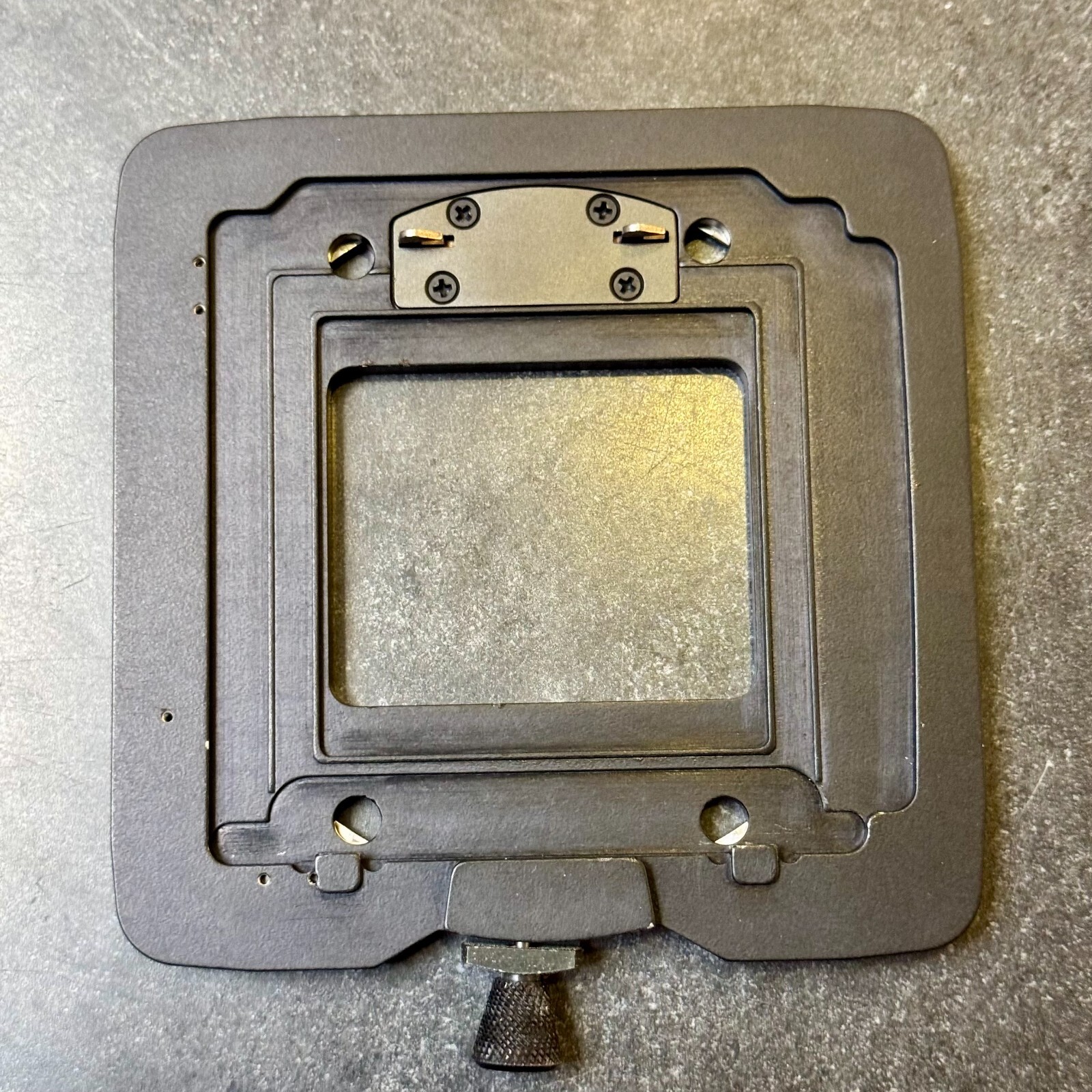
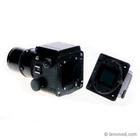
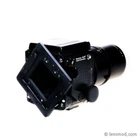
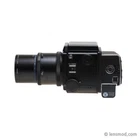
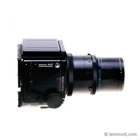
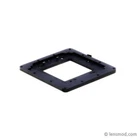
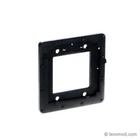
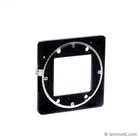
Adapter for Mamiya RZ67 & "CFV" Digital Back
$ 115.64
Description
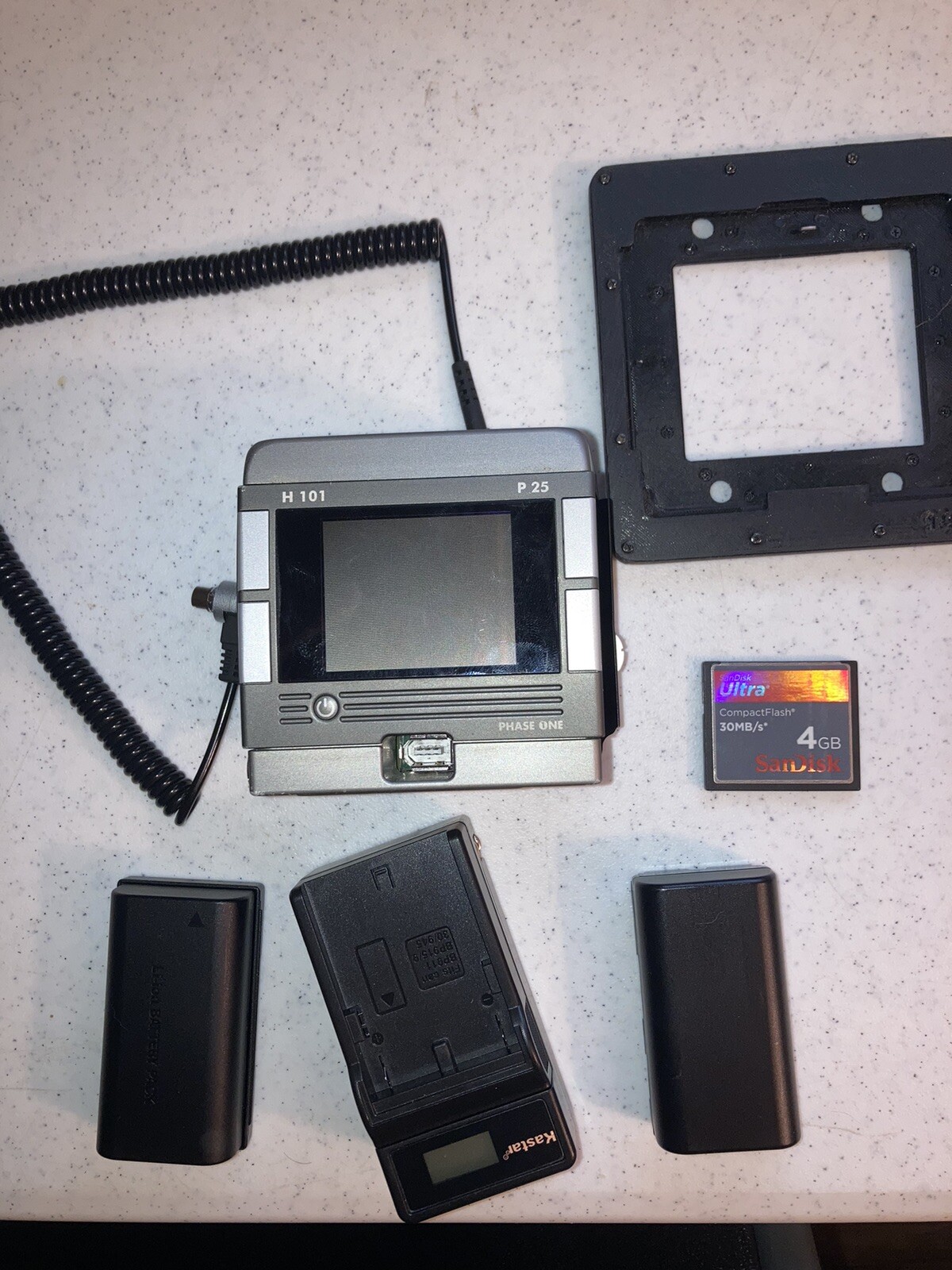
*** Please read [ Attention ] below first *** This adapter makes your Mamiya RZ67 (Pro) or Mamiya RZ67 Pro II(D) can work with digital backs for Hasselblad V system. The adapter can work with the rotation function as well on the camera body. For making shutters, you additionally need to prepare a PC Sync cable depending on what digital back you have. The finishing and the quality of the surface are not commercial grades because I've designed and made the adapter with my own FDM(Resin) 3D printer. However, it does not affect the working condition and the quality of your picture. Instead, you can have a unique opportunity to utilize your equipment if you have Mamiya RZ67 and Digital backs for Hasselblad V system from Hasselbald or PhaseOne. We've made this adapter by referencing with Hasselblad CFV digital back. If you have a different model of digital back. You need to confirm yourself if the dimension and function of your digital back can be compatible with what we already confirmed below. I'm selling only the adapter. So, the camera, the digital back, and the hot sync cable are not included in this sales. The most of medium format digital backs are designed to work also large format cameras through PC sync cable. Our adapters work with the idea. For syncing with the shutter and the digital back, you need to connect a hot sync cable between the port on the lens and the digital back and configure your digital back for the sync signal. If you are using digital backs like Phase One IQ series which has no legacy sync-in port, but the digital backs can receive the shutter signal through "multi-connector" and two-shot cable. So, please learn what proper cables you need from the manual of your digital back. The adapters in the pictures in this listing might be different from what you will receive if we upgrade the adapter design. If you require more technical information, such as compatibility details or the necessary cables, please refer to the LensMod website. [ Attention ] Please read carefully to ensure compatibility and prepare the necessary sync cables. 1. Confirm your digital back's mount type. Digital back mount types can be confusing. Many people struggle to identify their existing back or choose the right one for purchase. Let's clear things up! Main Digital Back Mounts: Mamiya 645AFD (PhaseOne DF, M645) Hasselblad V (CFV, V-Mount) Hasselblad H (Fuji 645GX, CFH, H101. H-Mount) Contax 645 There are various submodels from a main model. For example, PhaseOne P65+ digital back has 4 different models M645, CFV, CFH and Contax645. So, purchasing the wrong adapter can render it useless. Ensure you choose the adapter specifically matched to your digital back's mount type. To avoid compatibility issues, please confirm your back's mount type: CFV, CFH, or M645. Purchase Guide: Follow the links below to find adapters compatible with your specific digital back mount: M645 adapters: https://www.ebay.com/itm/284960953202 CFV adapters: https://www.ebay.com/itm/284994352473 CFH adapters: https://www.ebay.com/itm/284960956458 2. Determine the sync method between your RB/RZ67 camera and your digital back. There are three possibilities depending on your digital back: 1) PhaseOne P20+, P21+, P25+, P30+, or P45+: These require the Two-Shot method for each shot. You'll need a PhaseOne Multi-Connector (Multi-Cable) with Wake-up (Two-Shot) Connector (Cable) and a PC sync cable. The Multi-Connector is typically included with the original digital back purchase. 2) PhaseOne P40+ / P65+ / IQ Series: These can use both the Two-Shot method (for battery conservation) and the Single-Shot method. You'll need a PhaseOne Multi-Connector (Multi-Cable) and a PC sync cable. 3) Other digital backs (Aptus CFV, Hasselblad CFV): You don't need any special connectors (Multi-Connector or Wake-Up cable) for communicate syc signal. A standard PC sync cable is sufficient. We hope this explanation helps you identify your digital back and determine the necessary sync cable. For further technical information, compatibility details, and assistance, feel free to visit our website at LensMod. Shipping Information for International Buyers: We use eBay's International Shipping Service for all orders shipped outside the United States. Please note that delivery times, shipping costs, taxes, and any customs-related fees are determined by eBay. If you have any concerns or inquiries regarding these matters, we recommend contacting eBay directly.