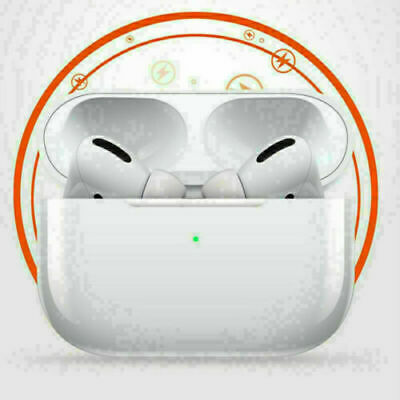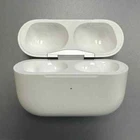
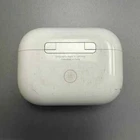
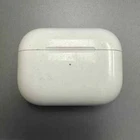
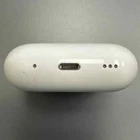
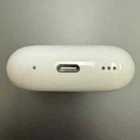
AirPods Pro Replacement Charging Case (2nd Generation) - Fair Condition
$ 15.84
Description
Heavily used Apple AirPods Pro (2nd Generation) replacement charging case only. No other items are included. Product Details Compatible with only 2nd generation AirPods Pro USB-C case is compatible with all versions of 2nd generation AirPods Pro 100% original Apple AirPods Pro 2nd Generation Charging Case Very heavy signs of use, but fully cleaned, tested and sanitized Physical imperfections may include one or a combination of the following: Major scratches on plastic housing Major discoloring on plastic housing Engravings Dents / chips Minor bite marks (typically from animals...) Weird colors that our alcohol-based cleaning solution can't seem to remove Setup Replacement will arrive with printed pairing instructions in the package. You'll have your set back together in no time! You can also follow along to our instructions below: Unpair your original set. Go to Settings -> Bluetooth -> click “info” icon next to device -> click “Forget This Device”. Place both the left pod and the right pod in the case, close the lid. Connect the charging case to a power source and charge for 30 minutes or until you see a solid green or white light when lifting the lid up. Remove cable and open the lid. Press and hold the pairing button on the back of the case until the light flashes white. If a setup animation appears, you have successfully paired your AirPods. If a setup animation does not appear after 10 seconds, then close and reopen the lid. Repeat the process from step 1.