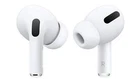
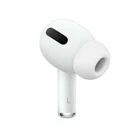
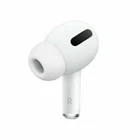
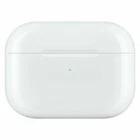
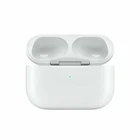
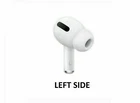
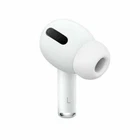
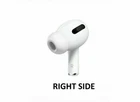
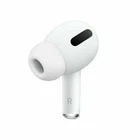
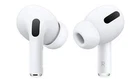
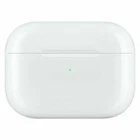
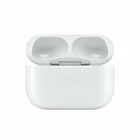
Apple AirPods Pro - Select Right, Left, or Both AirPods Pro or Case - Very Good
$ 26.4
Description
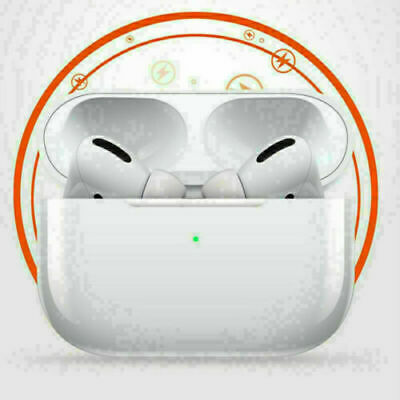
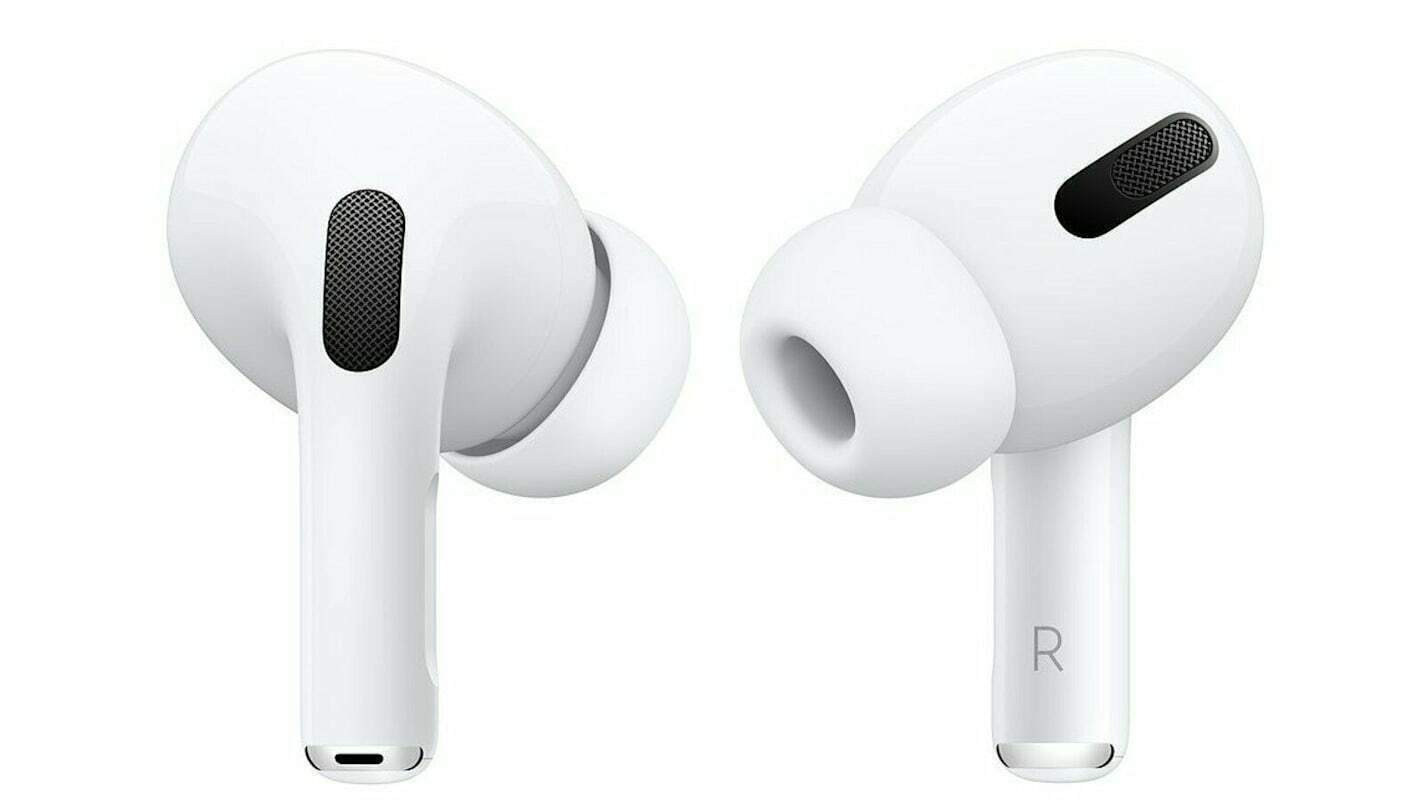
Condition: Very Good Condition (Grade B, 8 out of 10). The unit is 100% fully functional and has been data wiped and restored to factory settings. The unit is in very good condition with little to moderate signs of cosmetic wear. Expect little to moderate signs of wear in the form of scratches, scuffs, and/or dents due to being in used condition. The unit has been professionally inspected, cleaned, and sanitized. Select the individual side of AirPods Pro - Left (A2084), Right (A2083), Left and Right (Both A2084 and A2083), and Wireless Charging Case (A2190) are available. Only the selected item of Apple AirPods Pro will be shipped. Serial Number of the item will be recorded before shipment for easier processing. No accessories, boxes, cables etc are included, only the selected item will be shipped. Please send us a message with any questions. Sync Instructions for Apple AirPods Pro Set up your new replacement Apple AirPods Pro or charging case When you get your replacement, follow these steps to use your Apple AirPods Pro again: Put both Apple AirPods Pro in your charging case and charge for at least 5 hours through wall outlet. Open the lid and check the status light. It should flash amber. Press and hold the setup button on the back of the case for 5 to 30 seconds. The status light should flash white. If it still flashes amber, connect the case to power, close the lid, and wait 10 minutes. On your iPhone, go to the Home screen. Open the case—with your AirPods Pro inside—and hold it next to your iPhone. A setup animation appears on your iPhone. Tap Connect, then tap Done.