










Bluetooth 5.0 Wireless Mouse and Keyboard with 2.4GHz USB Receiver
$ 15.3
Description
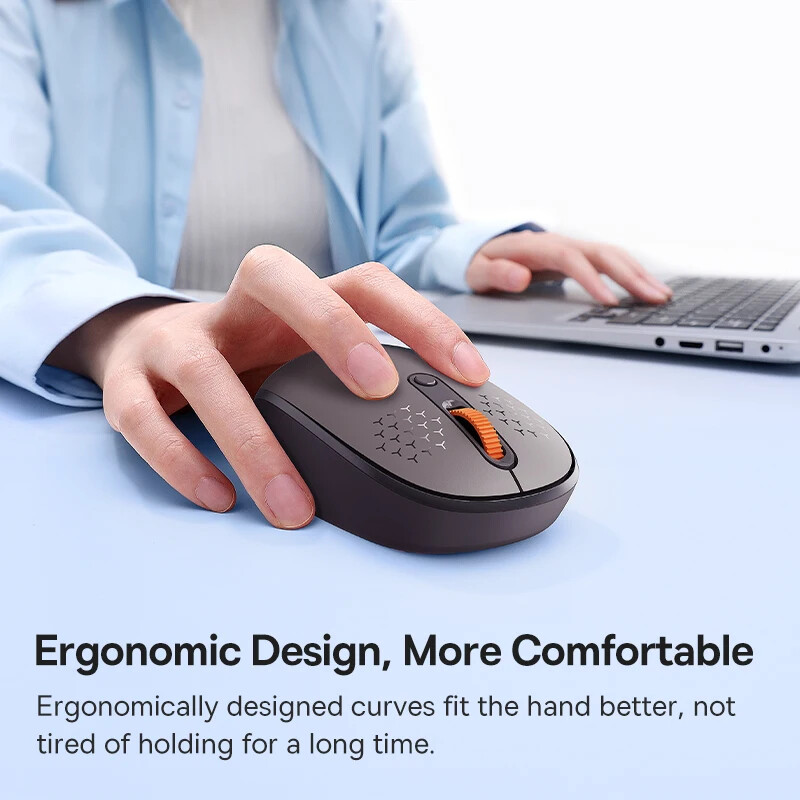
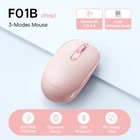
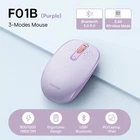
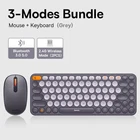
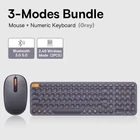
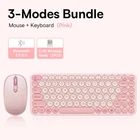
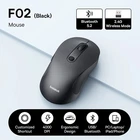
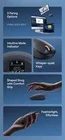
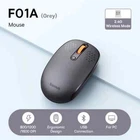
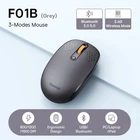
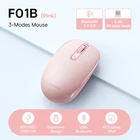
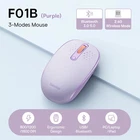
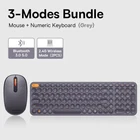
The following description is for Model F01B, which is the best-selling 3-mode mouse. Snug, Compact, Versatile 3 Pairing Modes Wireless Mouse Features: 1. 3 Paring Options: 2.4GHz, BT5.0, BT3.0 2. Intuitive Mode Indicator 3. Whisper-quiet Keys 4. Shaped Snug with Comfort Grip 5. Featherlight, Effortless 3 Pairing Options for Seamless Switch Seamlessly switch devices supporting rather 2.4GHz, BT5.0, or BT3.0 Intuitive Indicator Press to toggle connection mode Auto Sleep Mode Sleep mode activates if idled for 30 minutes Whisper-quiet Keys Use without disturbing click noise Shaped Snug with Comfort Grip Ergonomic design provides you a comfortable grip Easy to Use Lightweight Design Compact and lightweight finish making using it a breeze Adjustable DPI Sensitivity Opt from 800, 1000, and 1600 DPI for gaming, drawing, and more. 250Hz Smooth Polling Rate Navigate without a flaw of smoothness Wide Compatibility Plug and play for various operating systems. For Windows, for Apple OS, for Harmony OS, for Linux, for Vista Frosted Gray Available Matching colors with Creator keyboards hip and chic. The following description is for Model K01B with Numeric Keyboard. Add a Color Twist to Your Day Creator Series 3-Mode Keyboard Features: 1. 3 Ways to Pair: 2.4G, and Bluetooth 3.0 or 5.0 2. Ergonomic Design: Type with comfort 3. Whisper-quiet Keys: Type without distracting noise. 4. Compact & Thin-lightweight: Fits all needs from home to office. 5. Seamless OS Mode Switching: Easily toggle between Mac/Windows mode. 6. Smart Auto-Sleep Saves power to last longer Super Quiet Typing Comfortable and quiet typing with fast response and low latency. Curved-In Key Caps: Enhanced typing comfort with fast response 10,000,000+ Presses Tested: Tested to withstand over 10 milion pressing Type with Most Comfort 64° Ergonomic design for a hand-friendly typing experience without sore wrists. Smart Auto-Sleep Mode Goes to sleep after 30 minutes of standby to save power, and wakes up by pressing any key. Function Keys Instructions 1. The indicator flashes red if the battery is low 2. Toggle pairing mode 3. Indicator A 4. Multimedia key by default press fn+esc to switch to F1-F12 keys 5. ON/OFF Switch Exquisite Details Non-Slip Silicone Pads: Better grip to the desktop UV Printing: Vibrant finish without experience any fading