


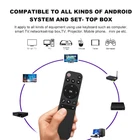
Bluetooth 5.2 Remote Control for Phone PC Projector Box Computer Z7U27569
$ 6.73
Description
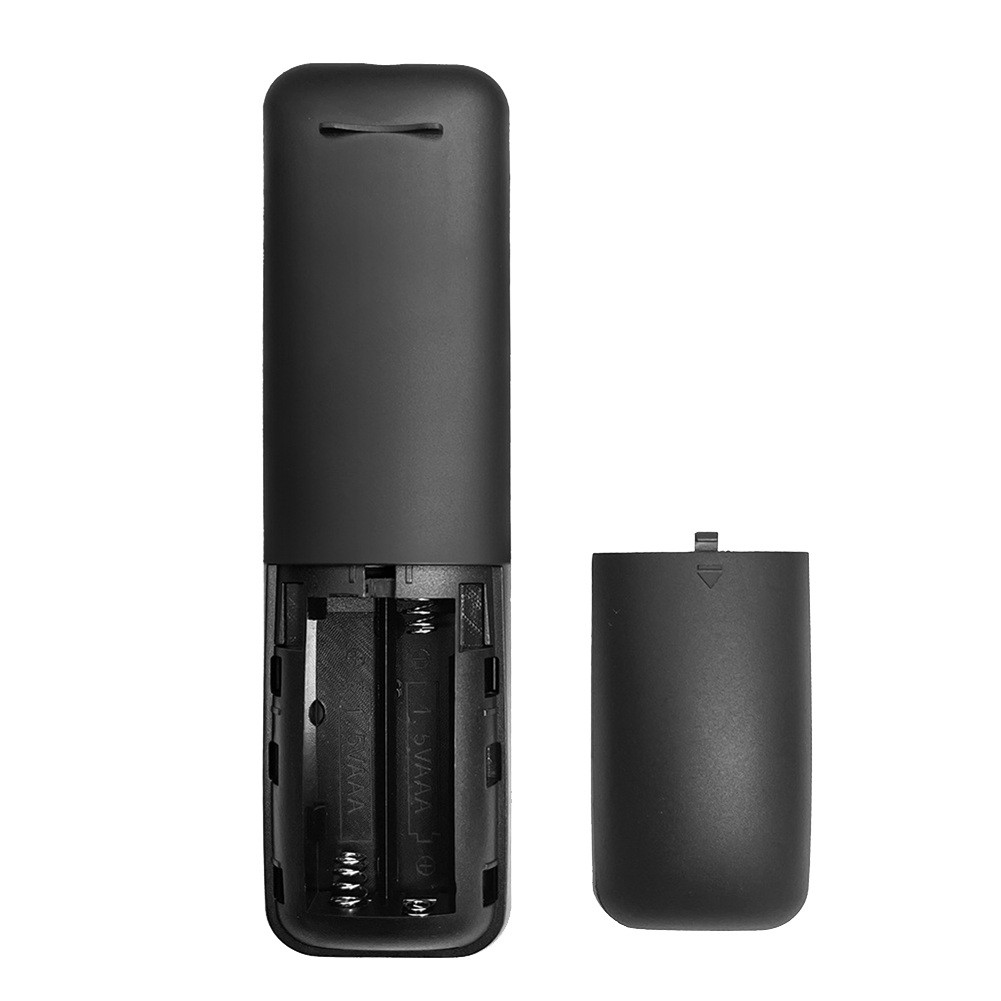
Bluetooth 5.2 Remote Control for Box Phone Computer Pc Projector Etc Z7U27569 Instructions: 1. Turn on Bluetooth in the device system settings, search for the device name "HID Remote01" and pair it; 2. Press the "OK" and "ON/OFF" keys at the same time, and then release the red light; 3. Aim the device remote control at the infrared of the remote control to be learned, and then press the learning button on the device remote control, the red light flashes and the learning is successful; 4. Press and hold the "OK" and "Volume+" keys at the same time until the red indicator flashes, and the device restore to factory settings. Material: ABS colour: black Package Contents: 1 x remote control (without battery 2 x AAA) Only the above package content, other products are not included. Note: Light reflection and different displays may cause the color of the item in the picture a little different from the real thing. The measurement allowed error is +/- 1-3cm.


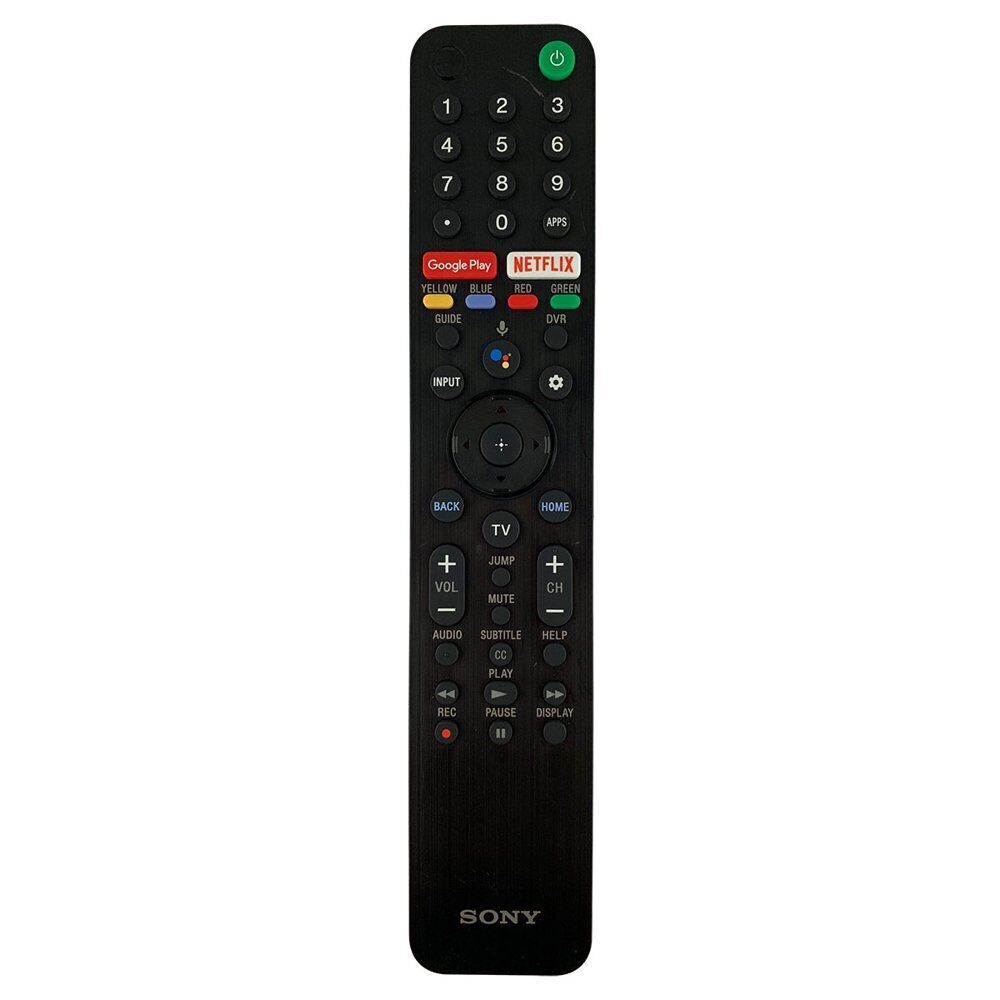
This Bluetooth remote is a game-changer! Super easy to pair—just connect via "HID Remote01" and you're set. The learning function works flawlessly, copying other remotes in seconds. Super responsive, works with multiple devices, and feels sturdy. No more juggling remotes—this one does it all! Highly recommend for anyone needing a universal control solution.