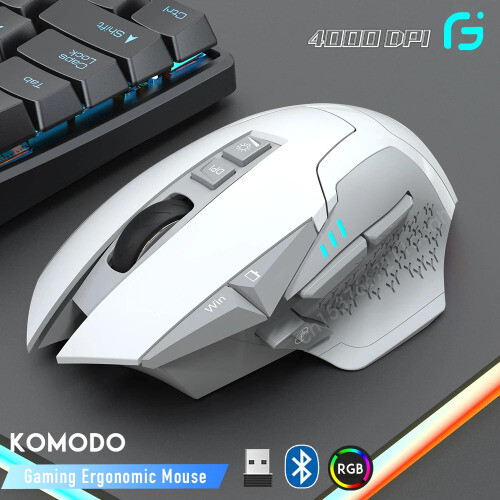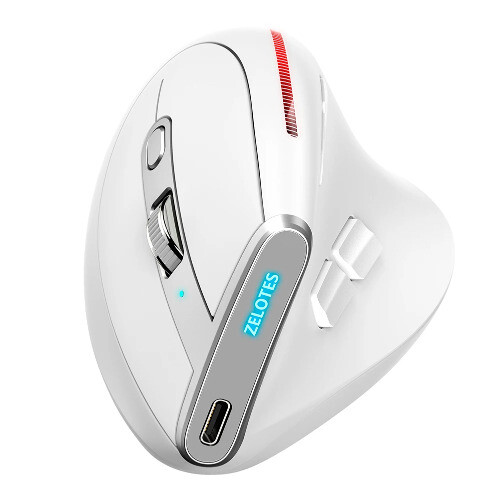



Ergonomic Wireless Vertical Mouse USB Rechargeable 2400DPI Optical Mice
$ 17.39
Description
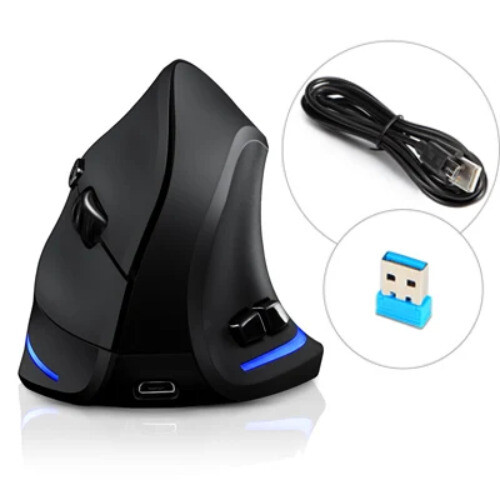
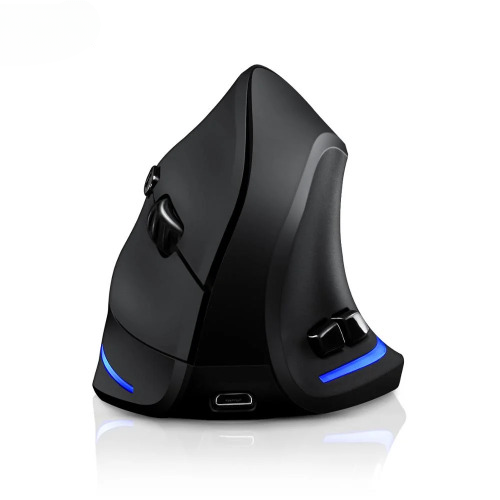
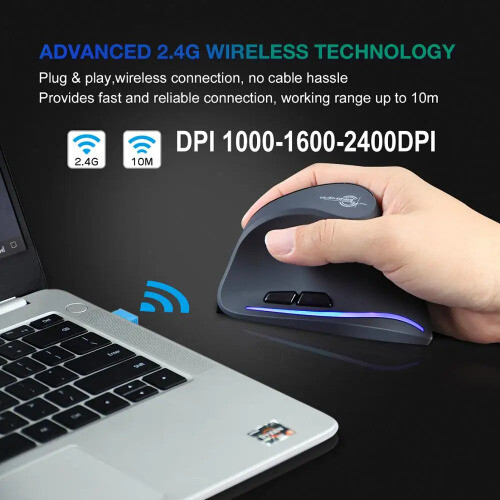
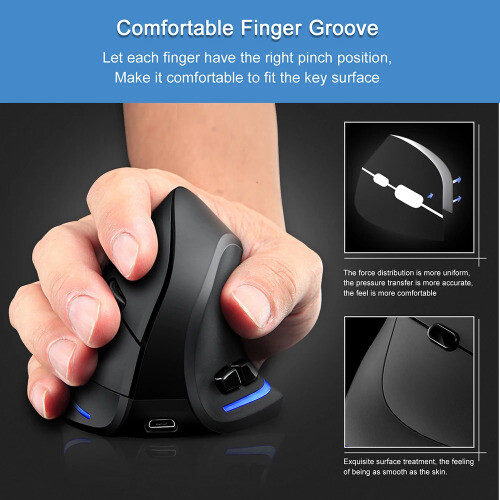
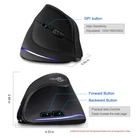
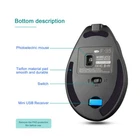
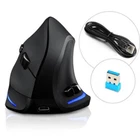
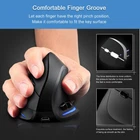
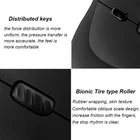
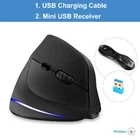
Specification : Type: Wireless Rechargeable Vertical Mouse Button number:6 buttons Tracking System: optical Frequency: 2405MHz-2476MHz Effective distance: 10m Working voltage/current: 3V/4mA Battery: 800 mAh rechargeable battery, Button life: 5 million times Roller life: 1.2 million turn Product dimensions: 110*72*75mm Product weight: 130±5g Resolution: 1000-1600-2400 DPI Rate of return: 250Hz System Requirements: IBM or compatible computer Windows:2000/ME/XP(x64)/Vista/7/8 Mac OS X(over V10.4) An available USB port Charging Instruction: When charging, the scroll wheel lights up in green, and the green light is off when fully charged. F35 Mouse Compatibility: 100% brand new and high quality, 2.4G Wireless Ergonomic mouse. Support for: Windows 2000, Windows XP, Windows 7, Windows Vista, Windows 98, Mac OS, Windows ME, Windows 8 USB Mouse: Plug and Play mode, no need driver. 3 Gear DPI: 1000-1600-2400dpi Design of Mouse: Ergonomic design, can be pressed against your hand, smooth touch can bring you a comfortable grip. Settings dpi speed adjustable. 800 mAh rechargeable battery, DPI up to 2400DPI, Environmentally friendly ABS material,can be used to test 10 meters down to the floor. Distributed keys: The force distribution is more uniform, the pressure transfer is more acceurate, the feel is more comfortable. Rubber wrapping, skin texture. Comfortable oblique scale design, increase friction with the fingers, the stop rhythm is clear. Button Function: The mouse add side button, it is convenient to browse web Wireless mouse with RGB: The mouse with LED light ,it is very fancy. When you don't use the mouse, please you switch OFF. It can save power. Mouse size: Pakcage list: Mouse x1 Usb Receiver x1 Usb Charge Cable x1 Instruction x1 FQA: What to do if the mouse has no response? 1.Please charge the mouse with USB cable. 2.Make sure the power switch on the bottom of the mouse is “on”. 3.Try to restart the computer.