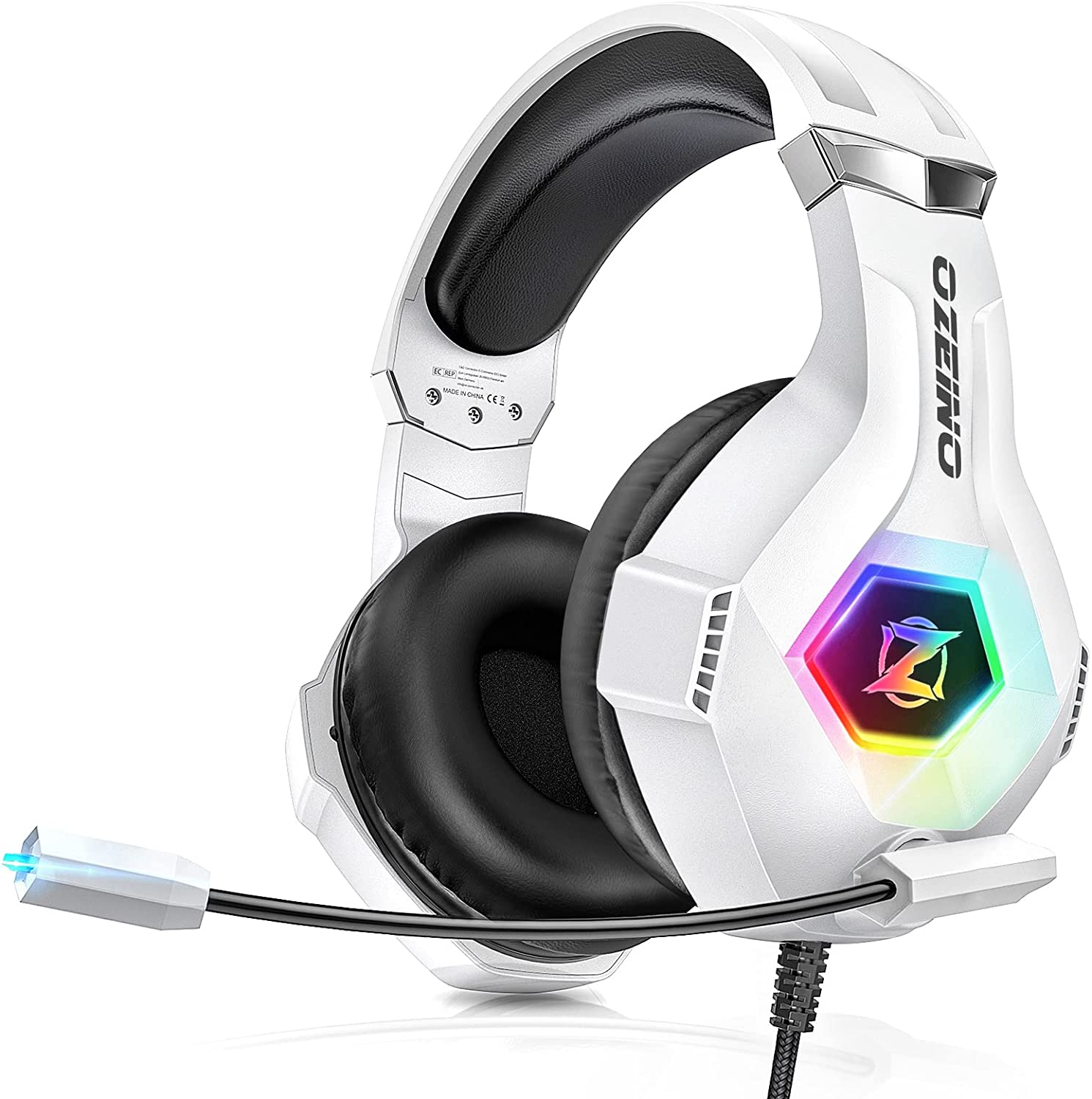
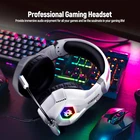
Gaming Headset for PC, Ps4, Ps5, Xbox Headset with 7.1 Surround Sound, Gaming He
$ 24.18
Description
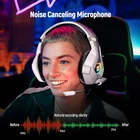
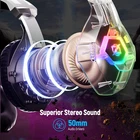
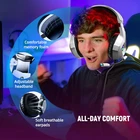
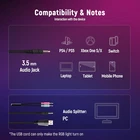
Superb 7.1 Surround Sound - Featuring a high-precision 50mm magnetic neodymium driver to create an immersive gaming experience with stereo surround sound in gaming headset for incredibly realistic sound. Cool style gaming experience - Colorful Led lights create a gorgeous game atmosphere, enhances your immersive gaming experience. Perfect for most FPS games like God of war, Fortnite, PUBG or CS: GO. Great Humanized Design - Comfortable and breathable permeability protein over-ear pads perfectly on your head, providing you with superior comfort during hours of gaming. The adjustable headband is very suitable for all gaming players of all ages. Gaming Platform Compatibility - This gaming headset support Ps5, Ps4, New Xbox, Xbox Series X/S, Switch, PC, Laptop, iOS, Mobile Phone and other devices with 3.5mm jack. Please note you need an extra Microsoft Adapter (Not Included) when connect with an old version Xbox One controller. Sensitivity Noise-Cancelling Microphone - 360° omnidirectionally rotatable sensitive microphone, premium noise cancellation, sound localisation, reduces distracting background noise to picks up your voice clearly to ensure your commands are always heard. *Note 1: When you use headset on your PC, be sure to connect the "1-to-2 3.5mm audio jack splitter cable" (Red-Mic, Green-audio). *Note 2: When your devices have a USB socket, the RGB lights can light up. The usb connector is only for led light power. Product Description 1 Ultra-Light Wear 2 Canceling Microphone 3 Superior Comfortable 4 Expediently Control How to make the mic get to work? 1) Connect the 1-to-2 jack splitter cable with the 3.5mm jack to work on PC. 2) Make sure insert the right jack (Pink for the microphone). 3)Adjust and rotate the 3.5mm interface until both sides of the headphones have smooth sound output. How to light on the LED light? The USB jack is help to light on the RGB light. If your device does not come with a USB jack, you can link the USB plug to a power bank or to a computer host or other USB charger. How to connect PS4 PS5? 1.Insert the 3.5mm jack plug into the controller 2.Press the ps4 button or enter the settings system, there is a options, choose "adjust audio and devices", "output to headphones", then change to "all audio " 3.Suitable for ps4 ps5 xbox one pc mac. How do I check if the microphone is on? Please check that you have turned on the mute button, the microphone mute button is located in the headset in-line control position. How to connect Xbox one? 1.Use the 3.5mm jack to connect the devices. 2.Check the Xbox settings to ensure set on the correct output mode. 3.Set on the mic input and volume. 3.Adjust volume of the headset.