
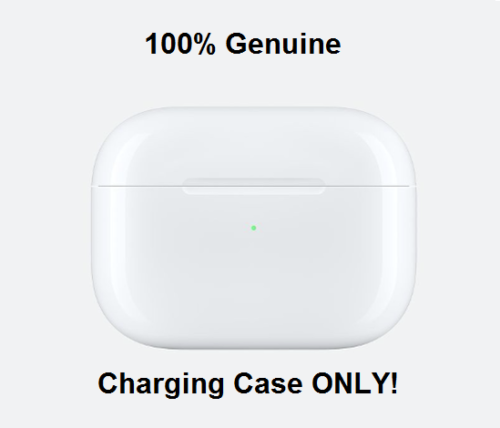

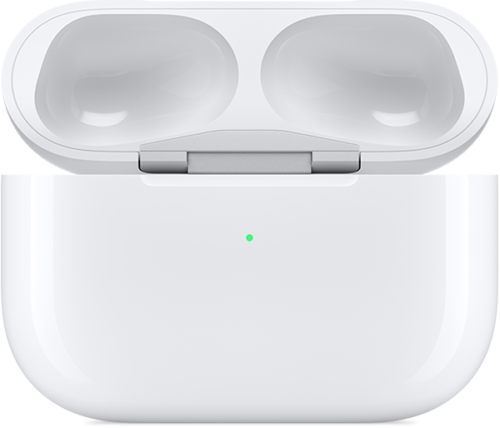

Original Apple AirPods Pro Charging Case A2190 Replacement - Wireless Charging Case Only (No Earbuds)
$ 21.12
Description
APPLE AIRPODS PRO - Charing Case Only (MODEL A2190) COMPATIBLE WITH AIRPODS PRO ONLY REPLACE CHARING CASE FOR YOUR AIRPODS PRO 100% AUTHENTIC DIRECTLY FROM APPLE! Condition: Good Condition (Grade C, 7 out of 10). The unit is 100% fully functional and has been data wiped and restored to factory settings. The unit is in good condition with visible signs of cosmetic wear. Expect visible signs of wear in the form of scratches, scuffs, and/or dents due to being in used condition. The unit has been professionally inspected, cleaned, and sanitized. What you will get: APPLE AIRPODS PRO - Charing Case Only (MODEL A2190) ( AIRPODS PRO Charing Case ONLY - no box, case, or cable included.) Warranty: The unit is covered by the remainder of the original Apple 1-Year limited warranty or our 90-Day limited warranty, whichever is longer. Our limited warranty does not cover: cosmetic damages or defects cause by misuse, abuse, negligence or acts of God. SETUP INSTRUCTIONS provided by Apple Set up your replacement AirPods Pro or charging case When you get your replacement, follow these steps to use your AirPods Pro again: 1. Put both AirPods in your charging case and close the lid. 2. Keep the lid close. And press and hold the setup button on the back of the case for 30 seconds. 3. Connect the case to power (keeping the lid close), and wait 30 minutes. Then open the lid and press and hold the setup button again for 20-30 seconds until the status light flashes white. 4. On your iPhone, go to the Home screen. (On other phones, go to Bluetooth setting.) 5. Open the case—with your AirPods inside—and hold it next to your iPhone. A setup animation appears on your iPhone. 6. Tap Connect, then tap Done.

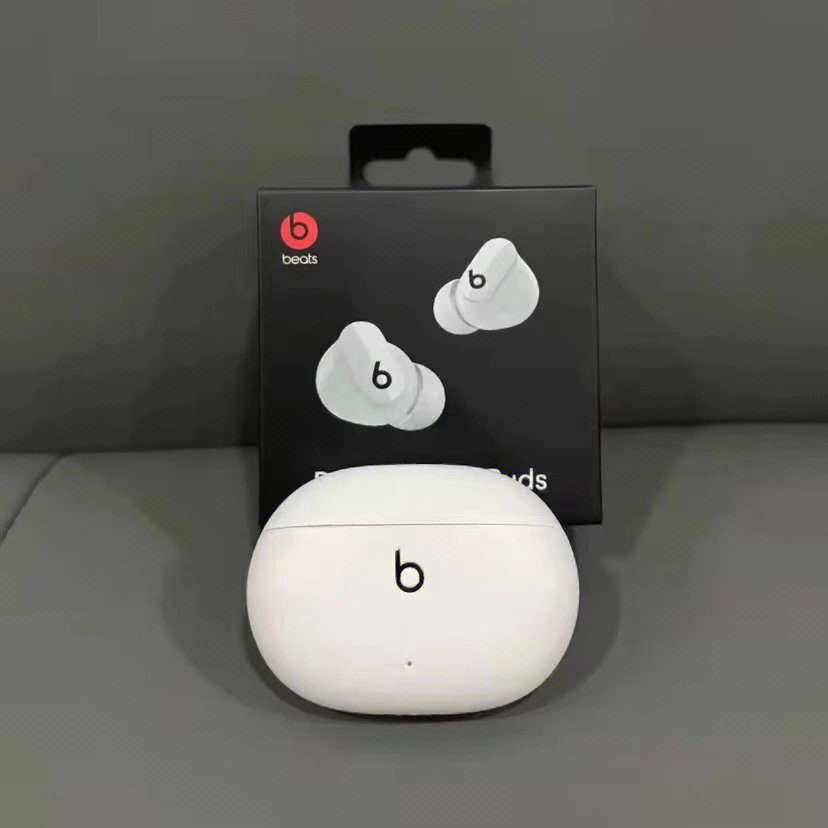
This replacement AirPods Pro charging case works perfectly—just like getting an authentic Apple product at a fraction of the cost. Despite minor cosmetic wear, it charges flawlessly and pairs instantly with my AirPods Pro. For anyone who’s lost or damaged their original case, this is a solid, affordable fix. Verdict: great deal for a genuine Apple part!