

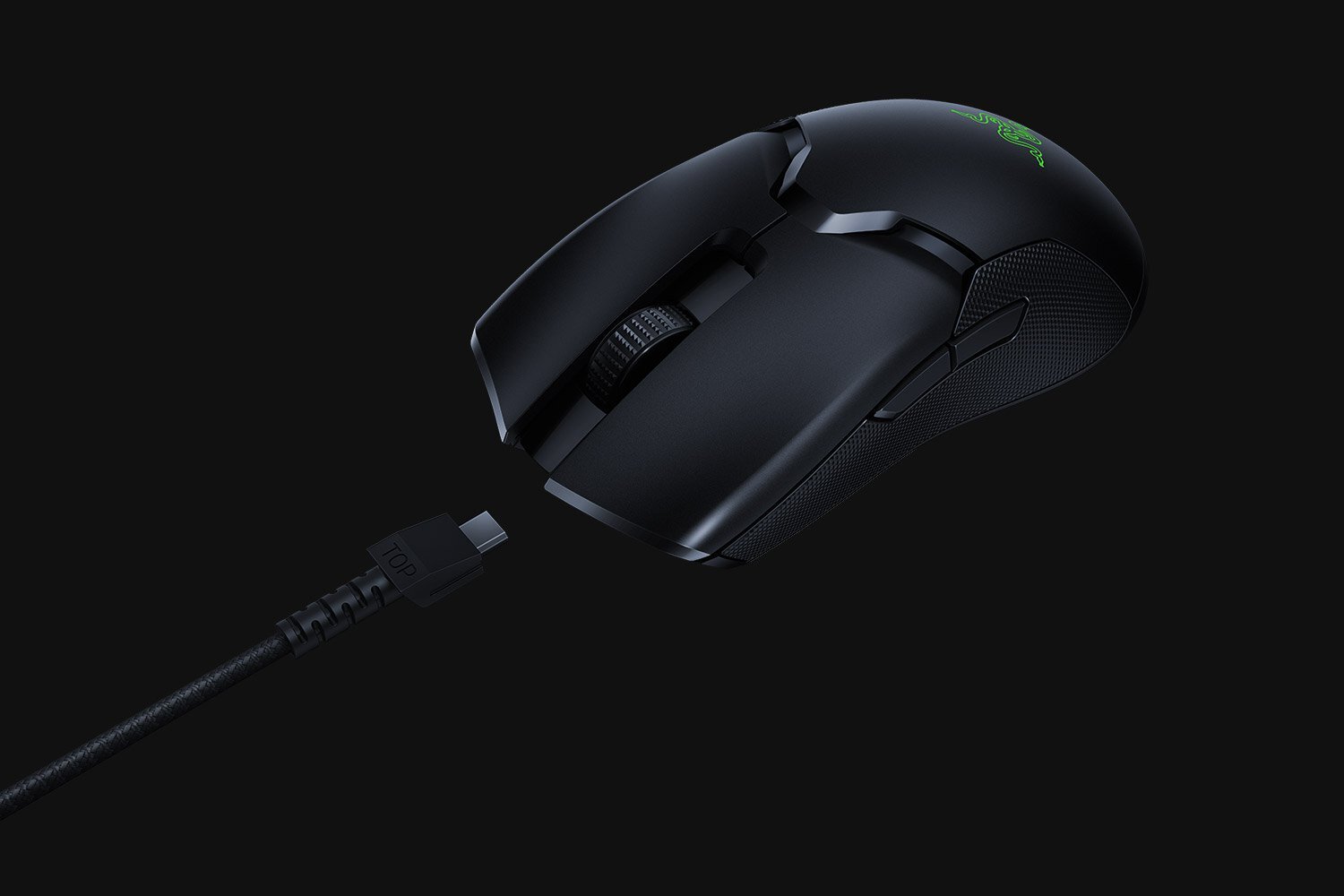
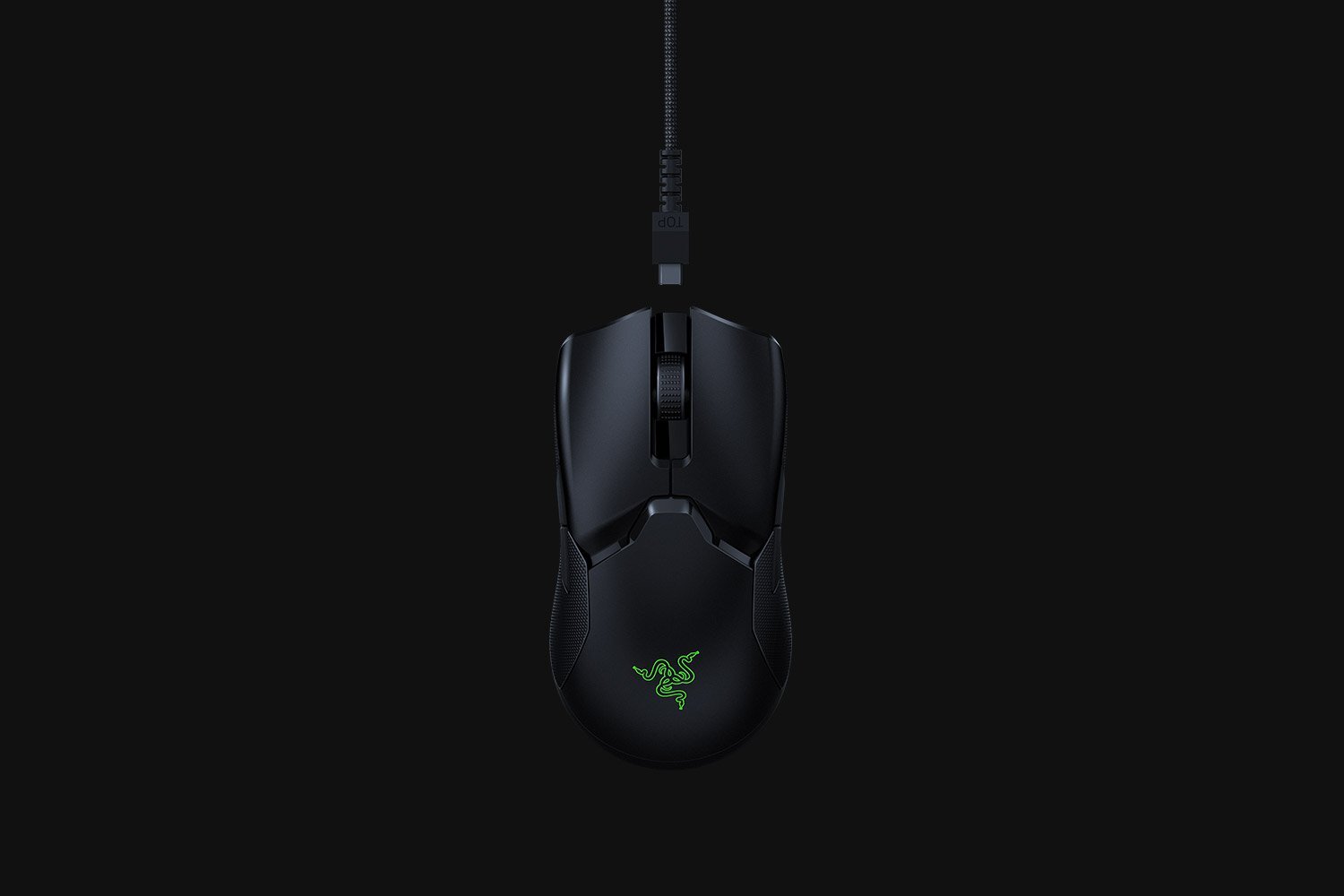
Razer Viper Ultimate Wireless Gaming Mouse 20000 DPI Black
$ 102.96
Description
RAZER HYPERSPEED WIRELESS 25% faster than any other wireless technology available, you won’t even realize that you’re gaming with a wireless mouse due to its high-speed transmission, lowest click latency, and seamless frequency switching in the noisiest, data-saturated environments. Learn More RAZER FOCUS+ OPTICAL SENSOR Our new, improved sensor has an industry-leading 20,000 DPI with 99.6% resolution accuracy, ensuring that even the finest movement from this wireless mouse is tracked with consistency. Equipped with intelligent functions, the sensor becomes even more accurate, allowing for an acute level of precision for game-winning headshots. Smart Tracking Asymmetric Cut-Off Motion Sync 20,000 DPI sensitivity 650 IPS tracking speed 99.6 % resolution accuracy Learn More RAZER™ OPTICAL MOUSE SWITCH Utilizing an infrared light beam to register every click, the switches in this wireless mouse actuate with an industry-leading response time of 0.2 milliseconds. Because it no longer requires traditional physical contact, this form of actuation removes the need for debounce delay and never triggers unintended clicks, giving you closer control and flawless execution. Learn More 74G LIGHTWEIGHT DESIGN Enjoy faster and smoother control with a lightweight wireless mouse designed for esports. Weighing just 74g, it achieves its weight without compromising on the build strength of its ambidextrous form factor. Quartz/Mercury models weigh 78g / 2.75oz 70 HOURS OF BATTERY LIFE Improved wireless power efficiency keeps it running at peak performance for up to 70 continuous hours—charge it just once a week to power 10 hours of daily gameplay. 5 ON-BOARD MEMORY PROFILES Bring your settings anywhere and be match-ready in no time. Activate up to 5 profile configurations from its onboard memory or custom settings via cloud storage. 8 PROGRAMMABLE BUTTONS Fully configurable via Razer Synapse 3, the 8 programmable buttons let you access macros and secondary functions so you can execute extended moves with ease. RAZER MOUSE DOCK CHROMA Add more character to your battlestation with an efficient charging dock that can seamlessly integrate with other Razer Chroma-enabled devices. 100% PTFE MOUSE FEET Enjoy slick mouse movement across any surface with mouse feet made from the purest, highest grade of PTFE—a material used to coat non-stick pans. The wireless speed on this mouse is really fast and it doesn’t feel like I am playing on wireless. The sensor is very accurate too which is important when you need to kill your opponent fast; perfect for intense games like CS:GO. — Taco | MIBR | Counter-Strike: Global Offensive FIND OUT WHICH VIPER IS RIGHT FOR YOU LIGHTER. FASTER. DEADLIER. Learn More > TAKE THE LEAD WITH 8X THE SPEED Learn More > SMALL IN SIZE, BIG ON PERFORMANCE Learn More > LENGTH 126.8 mm | 4.99 in 126.8 mm | 4.99 in 118.3 mm | 4.66 in WIDTH 57.6 mm | 2.27 in 57.6 mm | 2.27 in 53.5 mm | 2.11 in HEIGHT 37.8 mm | 1.49 in 37.8 mm | 1.49 in 38.3 mm | 1.51 in WEIGHT 58 g | 2.04 oz (excluding cable) 71g | 2.5 oz (excluding cable) 61g | 0.13 lbs (excluding cable) POWERED BY RAZER CHROMA™ RGB With 16.8 million colors, countless patterns, dynamic in-game lighting effects—experience full RGB customization and deeper immersion with the world’s largest lighting ecosystem for gaming devices. Supporting a growing list of thousands of devices and hundreds of games & applications, take it to the next level with advanced features such as Chroma Studio, Visualizer, Connect and Workshop. Learn More FAQ What is the form factor of the Razer Viper Ultimate? The Razer Viper Ultimate features an improved ambidextrous design. Where can I find the USB Wireless dongle for the Razer Viper Ultimate? The USB wireless dongle is stored in a compartment on the underside of the mouse itself. Simply remove the cover to store or remove your USB dongle. How do I change the settings of the Razer Viper Ultimate? In order to change the settings of your Razer Viper Ultimate – including lighting, macros and other functions, you’ll have to download and install Razer Synapse 3. How do I use the Razer Mouse Dock? You can use the charging dock to replenish your mouse’s battery and to extend the reach of your USB wireless dongle. You can also connect to Razer Synapse and place your Razer Viper Ultimate on the charging dock to view the mouse’s current battery status. How do I swap between DPI sensitivities of the Razer Viper Ultimate? You can change your DPI with a press of the DPI cycle button at the bottom of the mouse. The factory DPI settings are set at 400, 800 (default), 1600, 2400 & 3200, or you can fine-tune your own sensitivity setting using Razer Synapse 3. Are replacement parts available for this product? Yes. For more info, please visit our Replacement Parts Page . Have other questions? Visit Support Page Shop RazerStores RazerCafe Store Locator Purchase Programs Education Exclusives RazerStore Rewards Newsletter Explore Technology Chroma RGB Concepts Esports Collabs Support Get Help Registration & Warranty RazerStore Support RazerCare Manage Razer ID Support Videos Accessibility Statement Company About Us Careers Press Room zVentures Contact Us FOR GAMERS. BY GAMERS.™ Copyright © 2022 Razer Inc. All rights reserved. Site Map Legal Terms Privacy Policy Cookie Policy United States | Change Location >
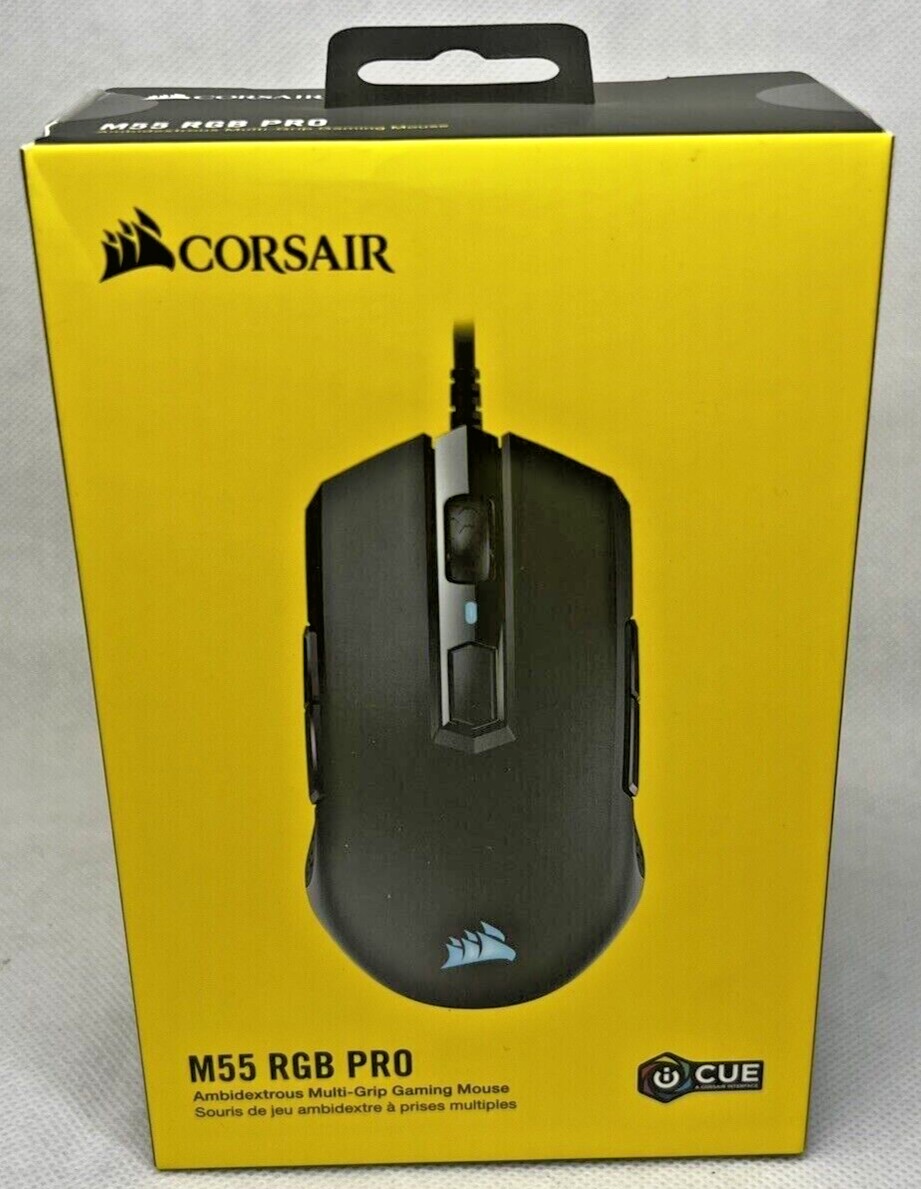
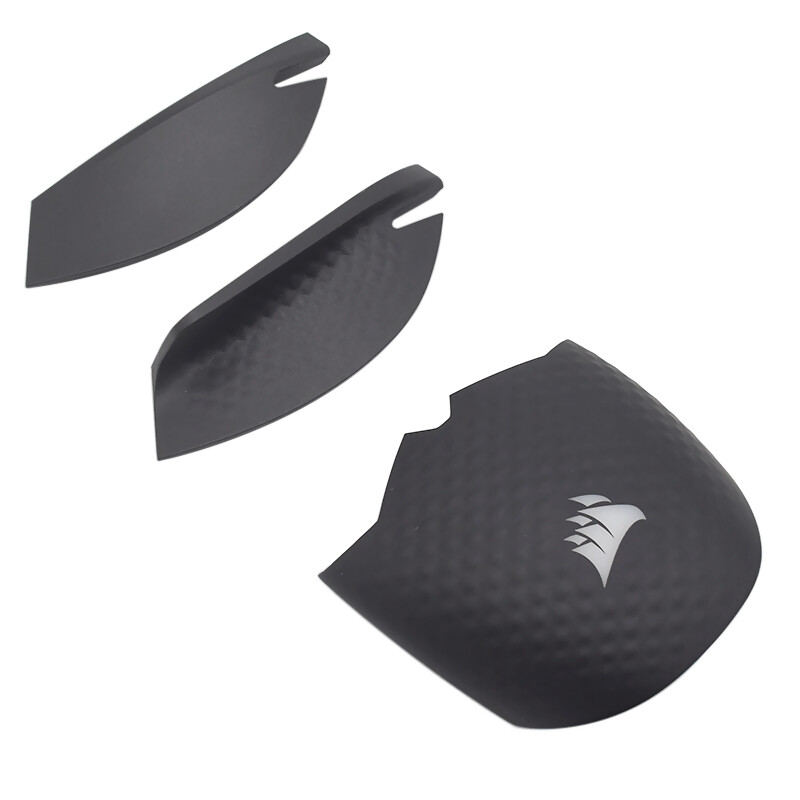
This gaming mouse is a total game-changer! The Razer Viper Ultimate feels incredibly responsive with its HyperSpeed wireless tech—zero lag, just smooth, precise control. The 20K DPI sensor tracks every tiny movement flawlessly, making it perfect for competitive play. Plus, the lightweight design keeps my hand comfortable during long sessions. Absolute beast of a mouse!