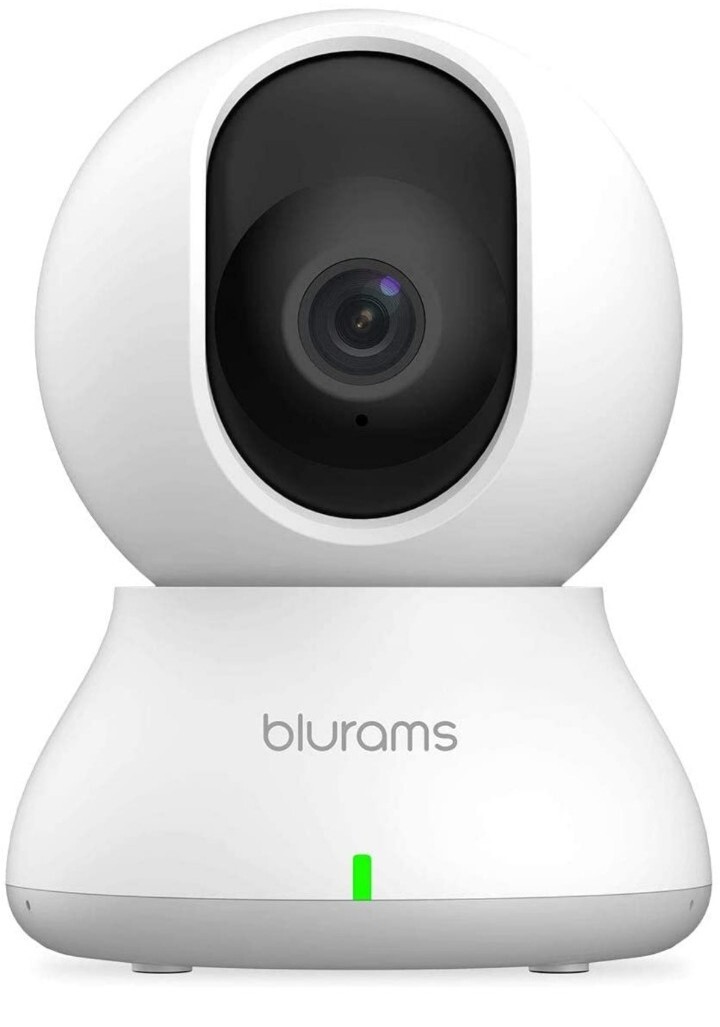
Security Camera 2K blurams Baby Monitor Dog Camera 360-degree for Home Security
$ 21.12
Description
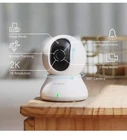
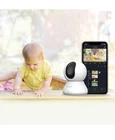
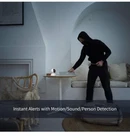
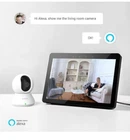
Download the "blurams" App on the App Store or Google Play; Sign up for a Free blurams account Click the '+' icon on the Home page and choose the blurams Dome Lite 2 Click the bottom "Button" and enter the correct wifi information Scan the QR Code on the App at the appropriate distance After hearing the beep sound, Click the Button and Waiting about 20 seconds, the Set up is Finished SETUP NOTE: ONLY Works with 2.4GHz Wi-Fi networks, does not support 5GHz Wi-Fi Make sure the device is On and the red light is Flashing before setting up Smartphone and camera under the Same 2.4GHz Wi-Fi Networks Supports Cloud Storage or Class 4 and above, up to 128GB micro SD card (SD Card excluded) The camera needs to be plugged into an outlet for continuous power 360°Coverage with 2K Resolution - blurams security camera automatically tracks the motion if detect motion. Features in IR-CUT function to capture crisp videos and photos from the day to night, even in the dim condition. Turn on privacy mode to protect your privacy. Smart AI Detection & Instant Alerts - Receive instant alerts on your phone if human, motion or abnormal sound detected in your house. Automatically record a 10-15 seconds alert video to the cloud and it will be saved for 24 hours (no subscription or monthly fees required). Smart Integration - Use your simple voice command to view blurams baby monitor live stream on Alexa or Google Assistant device with a screen or on your phone or tablet. Works with IFTTT lets you link just about any set of smart devices so they can work together, make your home more relaxing. Enhanced blurams App - Live viewing 4 dog cameras simultaneously on App or official web portal. Share your camera with unlimited family members. Two-way audio allows you to receive and transmit audio from anywhere at any time. Works with 2.4GHz Wi-Fi