


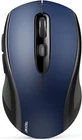
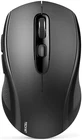
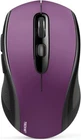
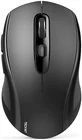
Wireless Bluetooth 5.0 Mouse with USB Nano Receiver for Macbook Windows Android and More Compact Portable Design
$ 12.65
Description
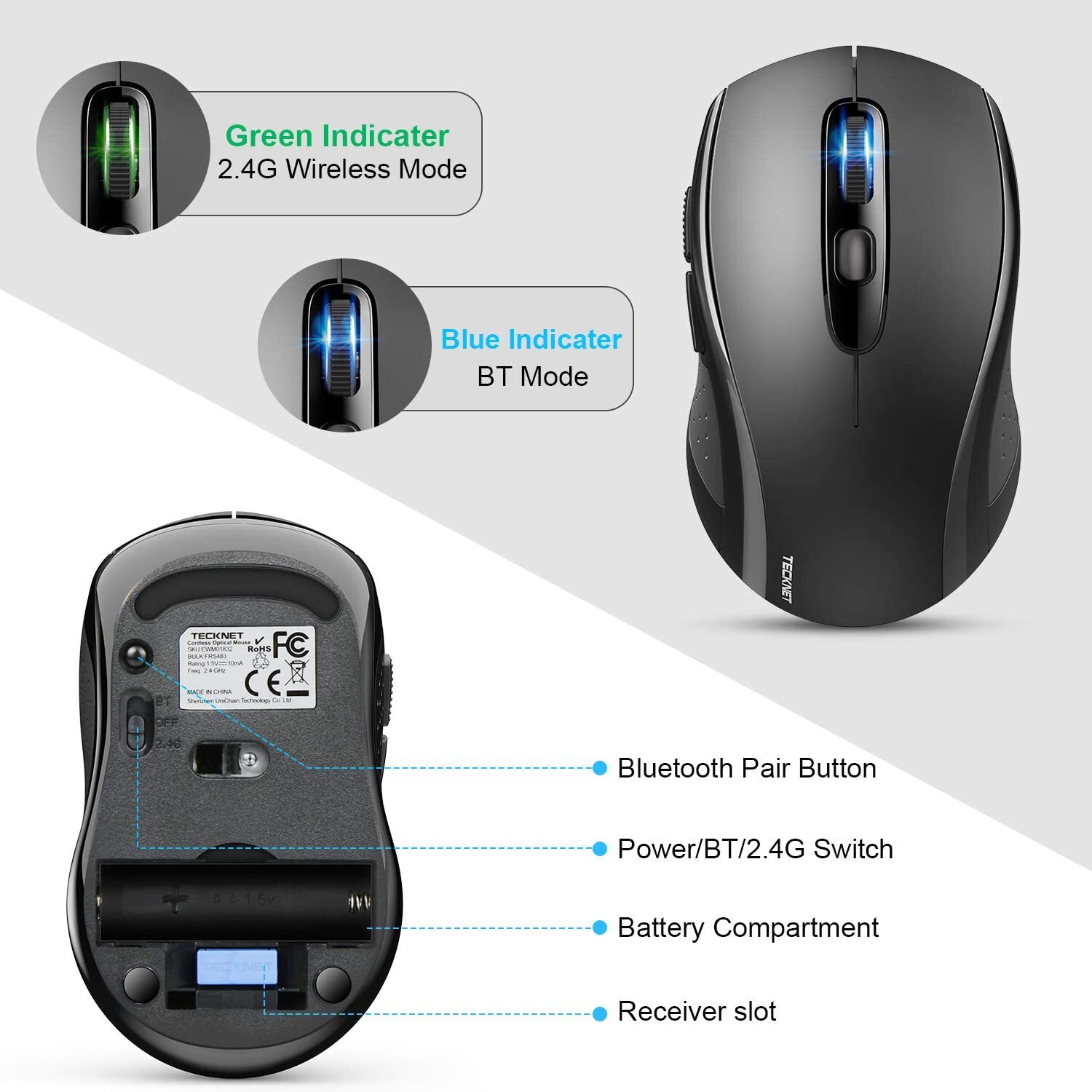
Enable High-Efficiency Multiple Working Modes: 3 modes Mouse(BT5.0 & BT3.0 + 2.4GHz), this Bluetooth wireless mouse realizes free switches between 2 devices in a wireless mouse only one Switch. Simple & convenient to work from the desktop to the tablet, or laptop to Macbook, ect. True 3 in 1 Wireless Mouse : Bluetooth mode works with Windows/ Android/ MAC OS system. Easy to pair and connect. but for BT5.0 & BT3.0 System just according to the Bluetooth version of your device, Please check and connect the correct system when using the wireless mouse; 2.4GHz mode works with laptop, desktop or any devices with USB port, simply plug in the USB receiver, plug and play. 3 Adjustable DPI Levels: 1000/1600/2400 to meet different needs, comes with a Nano receiver (stored in the back of the wireless mouse). No need any driver, and you can plug and play the wireless mouse directly, and advanced TeckNet Tru-Wave optical tracking technology ensures precise tracking on any surface. Comfortable & Durable Design: Ergonomic design with elegant profile, this wireless bluetooth mouse for laptop is perfect to fit your hands, providing a comfortable using experience. Tested over 10 million times click lifespan ensure long-term stable use. Hassle-free Design: Up to 18-months battery life with a battery level indicator. Smart auto-sleep mode saves power (battery life may vary based on user and computing conditions); Compatible with Windows 11/10/8/7/XP/Vista and Mac OS X / Linux / Android (NOTE: batteries are NOT included) Product Description Wireless Mouse Compatible with Laptop Macbook Air Pro Bluetooth Wireless Mouse with Different Colors Wireless Mouse, Easily Connect NOTE: If you have two devices with bluetooth function, one with Bluetooth 3.0 and the other with Bluetooth 5.0, the bluetooth wireless mouse only supports connecting to one device and CAN NOT connect to both 3.0 and 5.0 simultaneously 2.4G wireless & BT5.0/3.0 33FT/10M WIRELESS TRANSMISSION Wireless mouse with stable and accurate transmission, 33ft/10m long range transmission distance Strong Durability Test 10 MILLION TIMES DURABLE TEST 10 million times click test, the strong hardware of the wireless mouse can provide enduring usage 1000/1600/2400 DPI 3 DPI ADJUSTABLE&OPTICAL TRACKING Wireless mouse for laptop with 3 level Adjustable DPI,optical tracking provides precise control Ergonomic Small Design SMALL FOR TAKING AROUND Portable mouse can easily tossed in laptop bag, brought to anywhere for productivity With Side Buttons on Left BOTH HANDS ARE AVAILABLE Anti-slip, anti-sweat, anti-fingerprint surface, comfortable touch wireless mouse for both hands 1 PLUG AND PLAY 2 ENDURING USAGE 3 3 DPI LEVEL&OPTICAL 4 ULTRA PORTABLE 5 SYMMETRY DESIGN 2-in-1 Wireless Mouse(Bluetooth&2.4G ), Suitable for Multiple Scenarios This wireless mouse support charging? No. Wireless mouse needs 1 AA battery. It has auto shut off, battery last forever. (NOT INCLUDED BATTERY) Why does the wireless mouse always disconnects from my computer in bluetooth mode ? Please check whether the Bluetooth pairing of your computer has reached the upper limit. If it is still disconnected after cleaning, please contact our service department. We will give you satisfactory service. Does this work on a m1 MacBook Pro 2020? What is the size of the item itself? Yes, the bluetooth wireless mouse will work with your MacBook Pro and any device with Bluetooth or a USB port. It's 4.25" long and 2.5" wide at its widest point. Portable. Is this a USB mouse or a Bluetooth mouse? Both USB and Bluetooth mouse, mouse combines the stability of USB and the wide compatibility of Bluetooth. You can choose to connect in Bluetooth mode or USB mode; If you don't need USB receiver, just place it in the receiver slot Does this wireless mouse have a sleep mode, and how do you wake the wireless mouse from sleep? Yes, it has smart auto-sleep mode to save power. Wake up is instant as soon as you move it.


