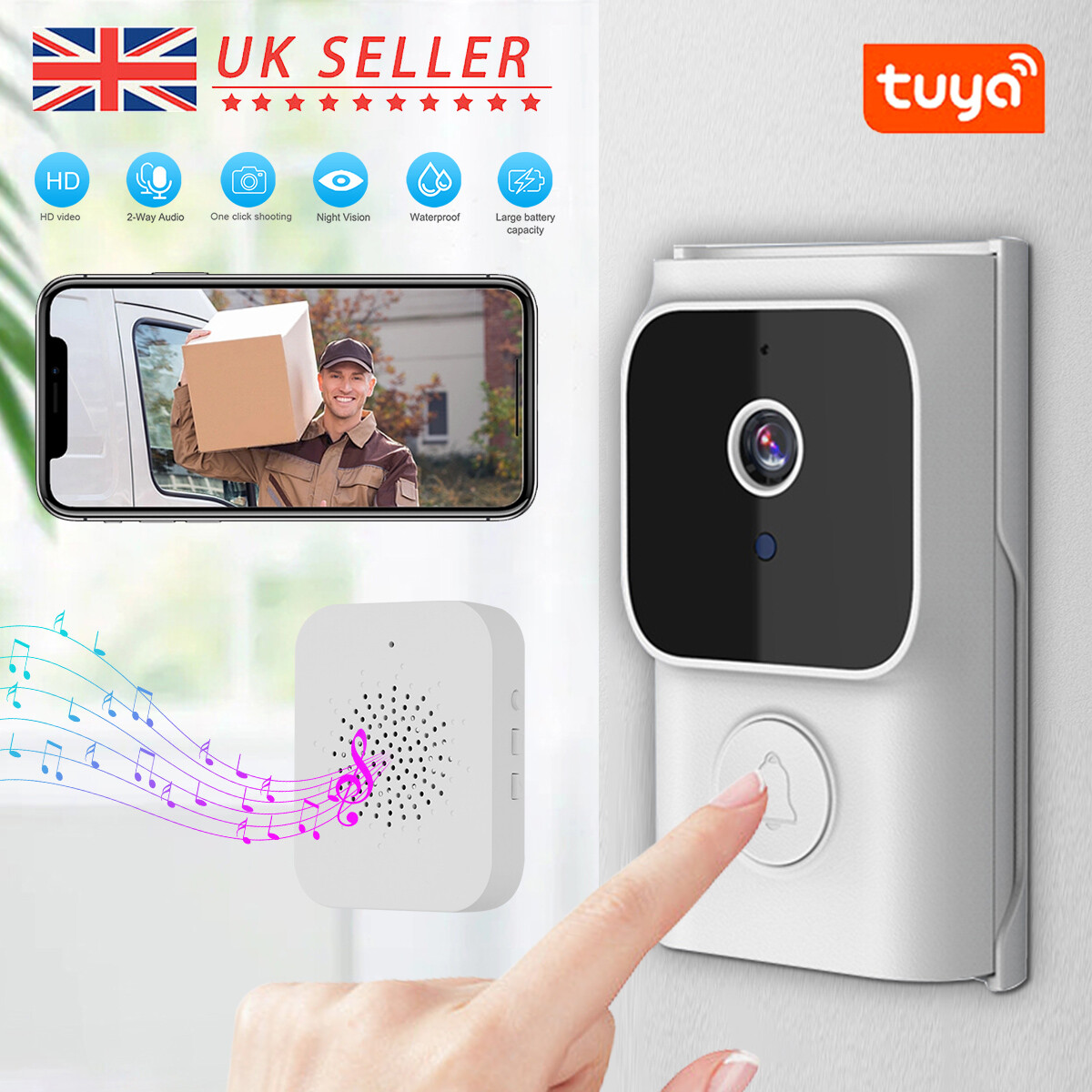
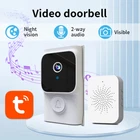
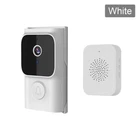
Wireless Ring Doorbell WiFi 2-Way Intercom Night Vision Video Camera Door Bell
$ 12.41
Description
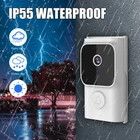
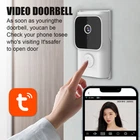
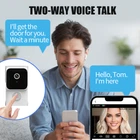
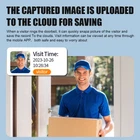
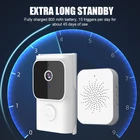
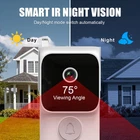
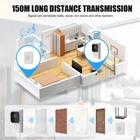
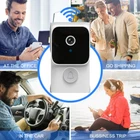
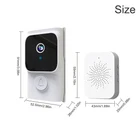
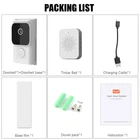
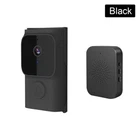
*Welcome to our store* To customers: We are always with you, If you are not satisfied with the product, please contact us before leaving a neutral / negative feedback or open a case! No matter what problems you have, I will try my best to help you solve them. Thank you! Features: 1. Press the doorbell to quickly start and push messages. 2. Ring the doorbell for real-time screen intercom 3. 800mAh battery fully charged, triggered 15 times a day, used for about 45 days 4. The APP supports taking photos and taking screenshots 5. Infrared night vision function 6. Cloud storage playback only supports viewing images, not videos 7. Support traditional Dingdong machine function Specification: Main control processor: Botong BK7252 Image sensor: GC0329 Recording resolution: 640 * 480 Visual angle: 75 ° Voice intercom: 3 M Storage encoding: JPEG Push photos: Free cloud storage APP: Tuya APP Built in speaker and microphone WIFI mode: 2.4GHz 802.11b/g Night vision type: infrared night vision Waterproof grade: IP55 Power supply: DC 5V/2A Working temperature: -10 °~60 ° Working humidity: 10%~90% Color: White/Black Horn: 84/1W Doorbell battery capacity: 800mAh Door bell product size (mm): 91x52.5X26mm Weight (g): 68G Dingdang frequency: 433.92MHz Dingdang socket: USB interface Usage distance: 150 meters in open space (distance may vary depending on different usage environments) Transportation and storage temperature: -20~60 ℃/<85% RH Operating temperature/humidity: -20~60 ℃/<85% RH Shell material: ABS Note: 1. After receiving the product, please charge it first before using it 2. The product is only applicable to 2.4G networks 3. Try to choose a location with better network conditions to install doorbells 4. The product comes with a base that can be fixed and comes with screws, which need to be used to fix and install it, so it is not easy to fall off Installation steps: 1. First, plug in the Dingdang and power it on. Press the doorbell to see if the Dingdang will ring 2. Scan the QR code manual on your phone and download the app, then register your account 3. Open the Bluetooth on your phone, enter the app, click on add device, click on search to automatically add, and the doorbell will appear. Click on bind [Key: Network 2.4G] After successful addition, it can be used now 5. Note: When the Dingdang is powered on and the doorbell does not ring, please pair it again. First, turn on the Dingdang and then plug it in. Press the function button on the Dingdang and see if the prompt light is flashing. Press the doorbell and when the doorbell rings, the pairing is successful Package Included 1x Door bell 1x Door bell base 1x Charging cable 1x Screw thread package 1x Dingdang 1x Instruction manual 1x Base film Item will be sent within 1-3 days of payment verification. Royal Mail delivery takes about 3-5 days. We appreciate your patience and allow sufficient time for delivery. Please feel free to contact us if you don't receive your package within 14 business days. We continuously improve our service quality, in order to reach 100% customer satisfaction. 1.Any questions, please contact us via eBay message, In our working hours will be resumed within 24 hours. 2.If you are satisfied with our service, please kindly leave us a positive feedback and give us the Detailed Seller Rating with all "5 stars" in very area. 3.Our aim is to provide Top Level Customer Service, your recognition will encourage us greatly and serve you better. We strive to keep all our customers satisfy. We greatly appreciate your POSITIVE feedback. Please do NOT leave negative feedback without asking for help. Thanks!